
Block unknown callers
Free blocks incoming unsaved callers while protection is active. If contact matching is uncertain, the call is allowed.
Learn about blocking unknown callersAndroid call protection
Android call protection. Free, with no time limit.
With protection active, Free blocks incoming callers not saved in your phone’s contacts. Saved contacts can ring unless explicitly blocked. Pro adds more contact and timing controls.
No account · No trial · No ads
Active protection, contact controls, and Free/Pro in the app. These supplied screenshots and video are in English and contain no prices.
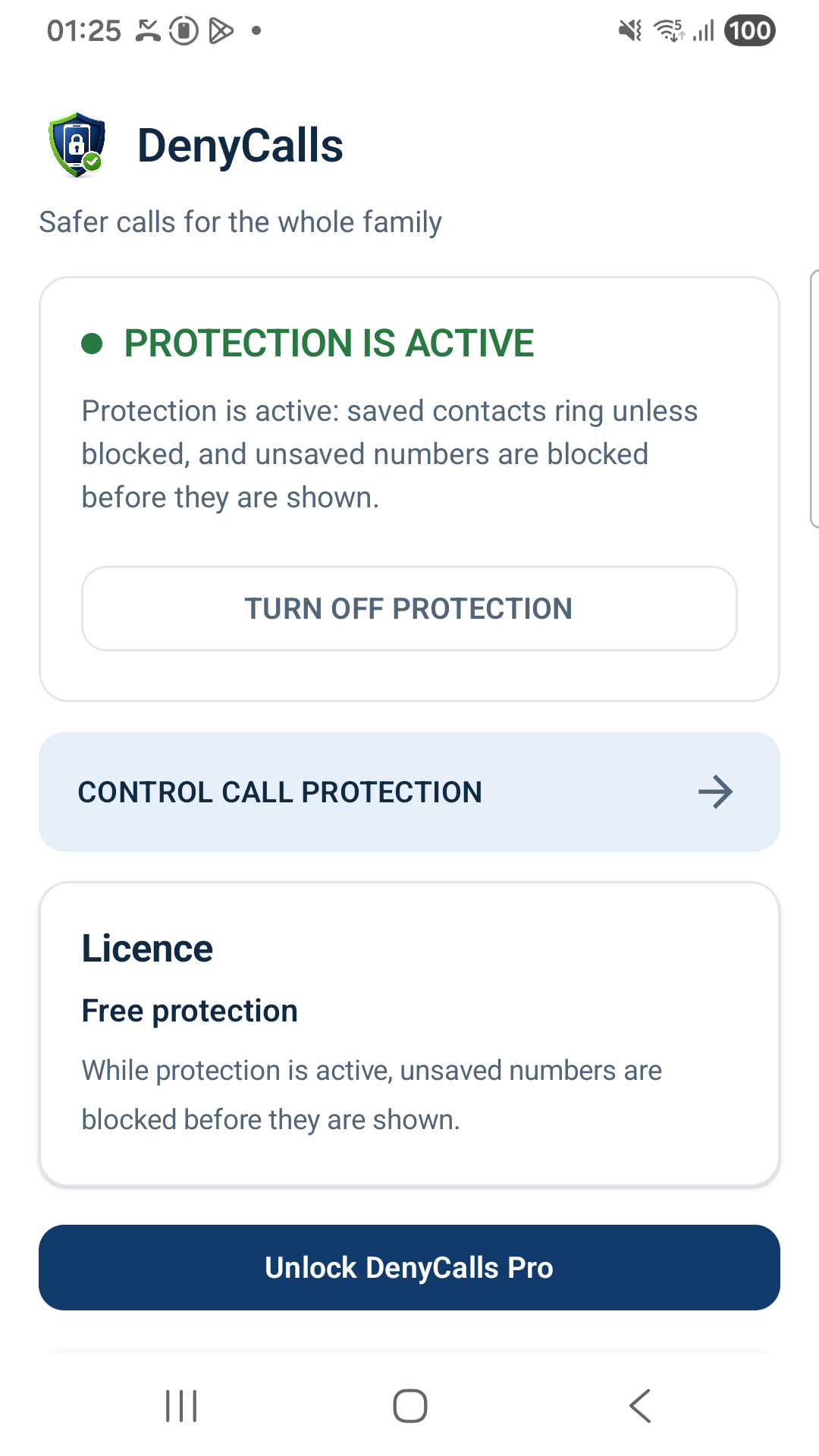
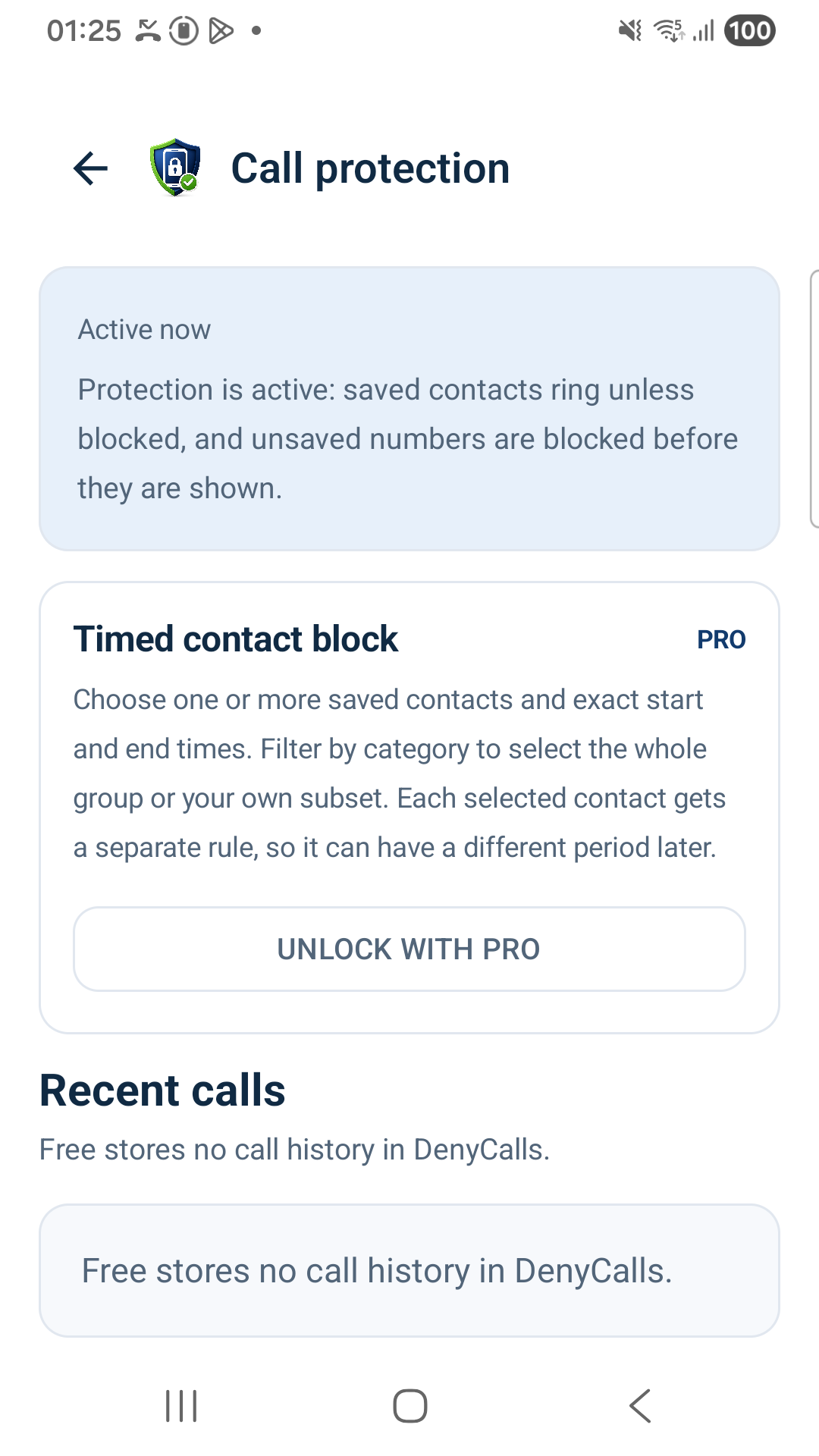
Both versions are ad-free. Free has no time limit and no trial.
| Feature | Free | Pro |
|---|---|---|
| Subscription period | Free with no time limit | Monthly or yearly subscription |
| Block incoming unsaved callers with protection active | Included | Included |
| Explicit saved-contact blocking | Up to 5 | Unlimited saved contacts |
| Turn protection on or off | Included | Included |
| Individual contacts and groups | Up to 5 individual blocks; no group rules | Included |
| Scheduled blocking of selected contacts for a date range, for example during a holiday | Not included | Included |
| Temporary controls, important exceptions, and repeat-caller handling | Not included | Included |
| Local blocked-call history | Not included | Up to 30 days / maximum 500 entries |
Permanently free.
Pro is available as a monthly or yearly subscription through Google Play. Google Play shows the current local price and terms. There is no website payment or activation.
Pro history stays on-device and is not uploaded to DenyCalls servers.
Calls are evaluated locally on the Android device. No crowd-sourced or global caller database is used, and no network request is required to decide whether an incoming call rings. If Android cannot confidently identify a contact, DenyCalls allows the call rather than risking a false block.
Free blocks incoming unsaved callers while protection is active. If contact matching is uncertain, the call is allowed.
Learn about blocking unknown callersFree can block up to 5 saved contacts. Pro adds unlimited saved contacts, individuals, groups, and timed rules.
Explore trusted contactsUse DenyCalls on your own Android phone or help a child or older family member create a simpler calling environment.
Call protection for familiesChecks happen locally. Pro history stays on the phone: up to 30 days, at most 500 entries. Free has no DenyCalls call history.
Read the privacy policyGet the app from Google Play. No account, registration, email address, login, activation code, or app PIN is required.
Keep expected callers in your phone’s contacts. Free can block up to 5 saved contacts.
Grant the required Android permissions and call-screening role. Check that protection is active.
Turn protection on or off in Free. Choose Pro through Google Play for groups, timed rules, and local history.
Free is permanently free and ad-free. With protection active, it blocks incoming callers not saved in the phone’s contacts, can explicitly block up to 5 saved contacts, and lets you turn protection on or off. Free does not include DenyCalls blocked-call history.
Pro includes unlimited saved contacts, individual contacts and groups, exact date ranges and timed rules for multiple contacts, temporary controls, important exceptions, repeat-caller handling, and local blocked-call history retained for up to 30 days with a maximum of 500 entries.
No account, registration, email address, login, activation code, or app PIN is required.
Get DenyCalls for Android. Start with permanently free protection and choose Pro if you need more controls.